



How to create new user in contact portal

Sep 25, 2024
 725
725
Creating an account in your contact portal
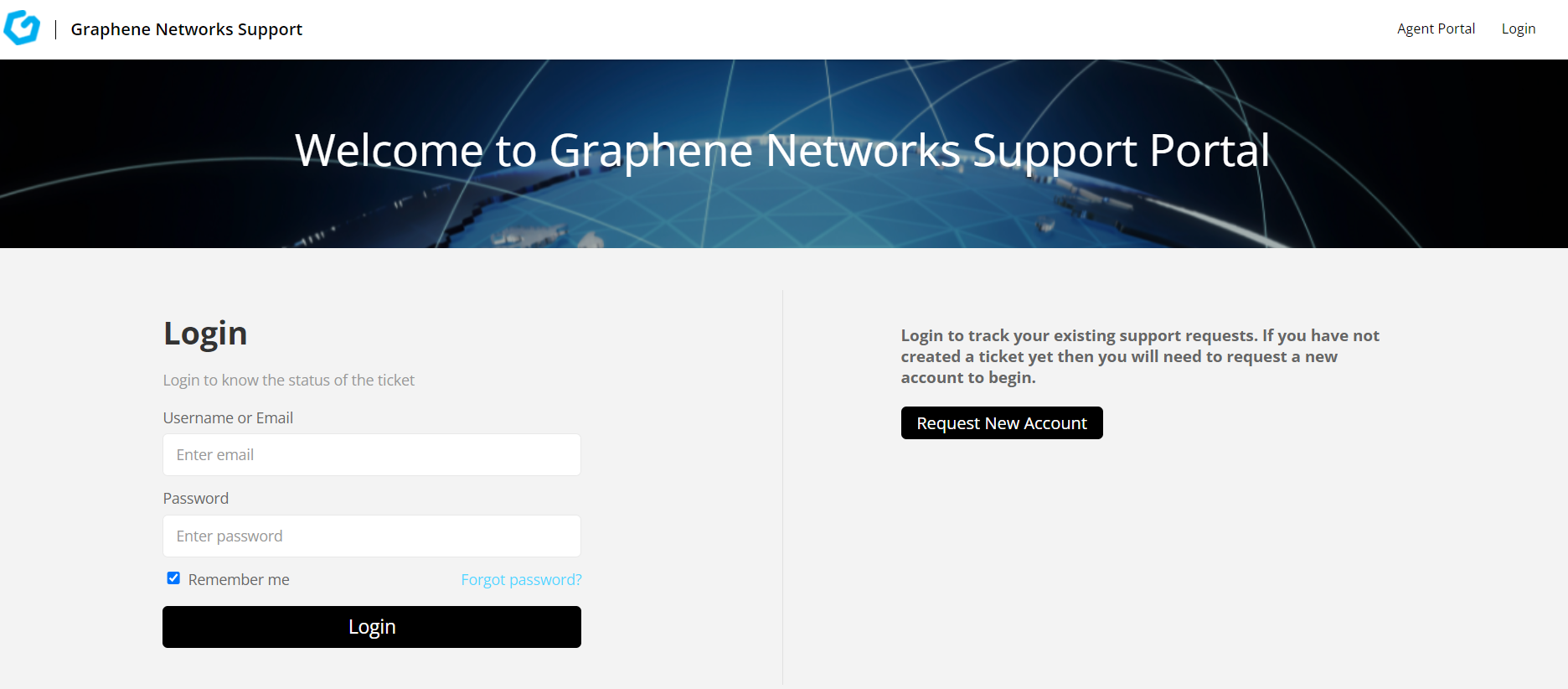
First by getting to the portal link click on "Request new Account' button on the login page.
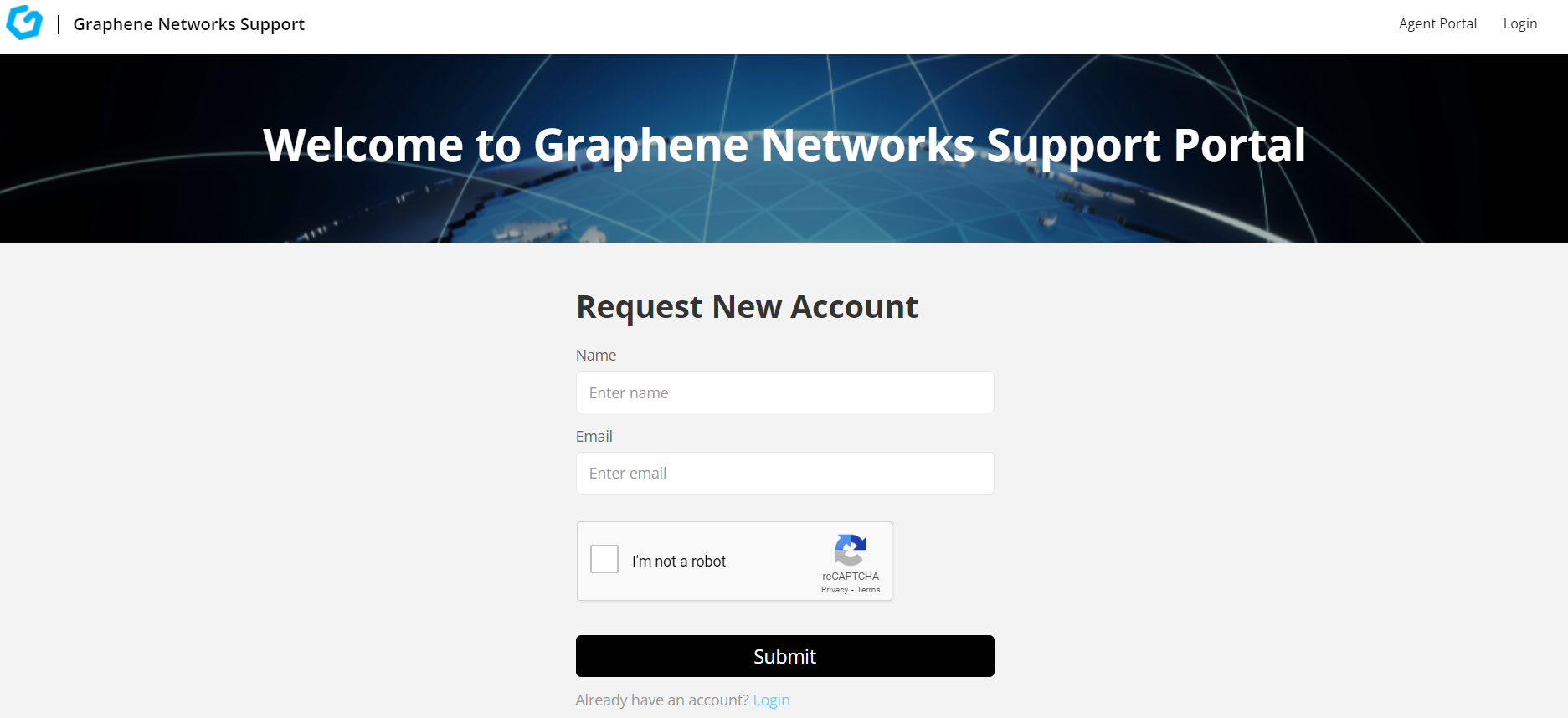
The Request new account form will collect the name and email address. Captcha will be present to prevent spam signups. User activation email will be sent to email that was provided.
Please allow at least 5 min for user login to be created.
If there are any issues that you may have or cannot get to the link provided on the login page, please send us an email at [email protected].

